
I’ve recently started exploring utilizing dot matrices as a means to display cool different concepts. Below are some of the projects that I’ve put together.
- Dad Jokes [DJ]
- DJ – Hardware
- DJ – Software
- DJ – Things to do better
- Conway’s Game of Life [CGL]
- CGL – Hardware
- CGL – Software
Dad Jokes [DJ]
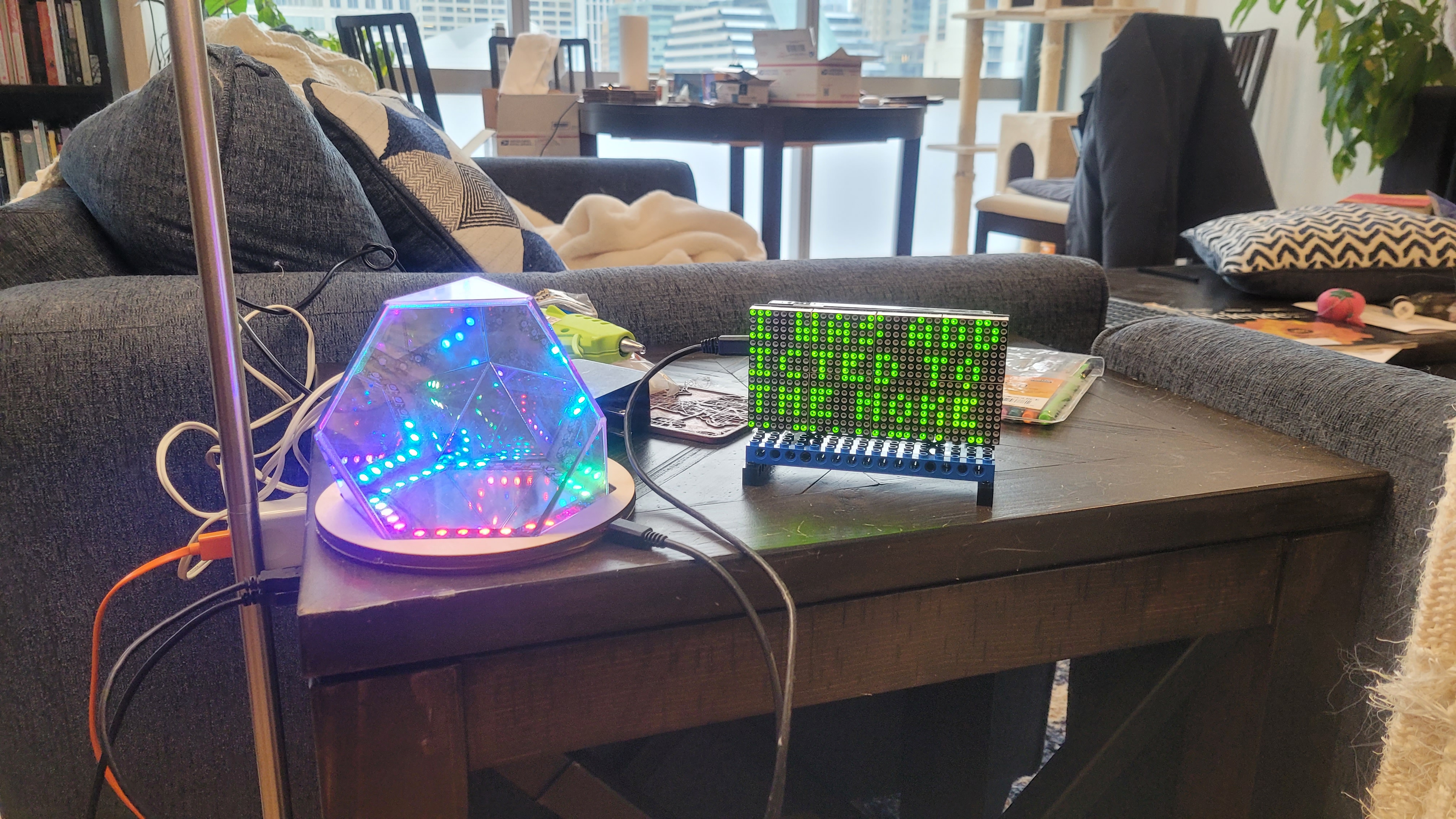
Last Christmas I was assigned a secret Santa assignment for a good friend of mine. The prompt I received was funny signs and/or legos. So I set out to create a little display that would randomly display either a dad joke or an inspirational quote. Essentially all the traits I would one day like to possess.
I had a few goals for the project – learn about dot matrix displays and learn micropython. I’ve heard about micropython in the past, and seeing that I use python extensively for work I was curious how this would translate into the embedded realm. I was pleasantly surprised with the experience, but there were some interesting points that I’ll get into later.
DJ – Hardware
For this project I utilized two 8×32 MAX7219 display grids for a total of 512 green LEDs. The grids themselves are just LEDs with a common anode and the MAX7219 is a controller chip with a SPI interface. The microcontroller I used was the ESP8266 node MCU chosen both for its micropython capability and because I wanted to see what programing a wireless enabled micro was like.
The LED displays were daisy chained together after soldering some additional 0.1 inch headers. I wanted to keep the cable length short so I flipped the second display 180 degrees.
DJ – Software
Programing in Python vs C was great! Typically whenever I embark on an embedded project I have to take the trouble to re-learn C/C++ as I don’t use it very often. But developing in Python let me eliminate the re-education process. Granted the projects I work on don’t require finesse – so using a blunt hammer to drive in the screw works fine. If I needed efficiency/optimization/speed I would 100% not do this in Python. But for ease and art, Python works great.
To connect to the MAX7219 I utilized this pre-built module. Great little python module that has a lot of nifty features. Unfortunately for me though text was a problem. The default configuration is to display a single character per 8×8 LED block. This is an issue for dad jokes longer than 8 characters – which is most of them. To circumvent this issue I wrote a python module that had a dictionary for a font with a width of 4×3 pixels. I tried 5×5, 4×4, and 3×3 and I found that 4×3 was a good balance between readability and space compression.
In addition to developing the font I also had to figure out the scrolling method. In the end I decided on a slow vertical scroll with line wrapping of words/characters that don’t fit on a single 4×32 row. Here is where I ran into difficulty with my hardware setup. See initially I thought lets keep the cable short and I’ll fix the 180 degree rotation in software. Boy was that a pain. I wish I had not done that and saved the headache of figuring out the transform. Layered upon this 180 degree transform was also another matrix transform. The character area I consider is 16×32 – but the display driver coordinates are 8×64. That took a while to figure out as well and I found using excel to emulate what the display was going to show rather than debugging with the led display was very useful.
For software development I used a relative primitive technique: Spyder – notepad++ – and over the air updates. This worked alright but was rather cumbersome.
DJ – Things to do better
Software wise I learned a lot about how hardware implementation can make life more difficult. 100% never going to just bandaid fix in software. The other problem that I had to deal with was memory allocation. There are ~1k dad jokes and ~1k inspirational quotes stored on the MCU. That coupled with the fact that I have to do large list manipulations in order to transform the pixels made the MCU a bit buggy. I did my best to write more efficient code, but in the end I resorted to a hammer again. If the python interpreter reached a critical memory error it would hard reset the device 🙂 . This was great because it only ran out of memory after it was finished displaying a quote and from the outside you would never know it was just rebooting every time.


Conway’s Game of Life [CGL]
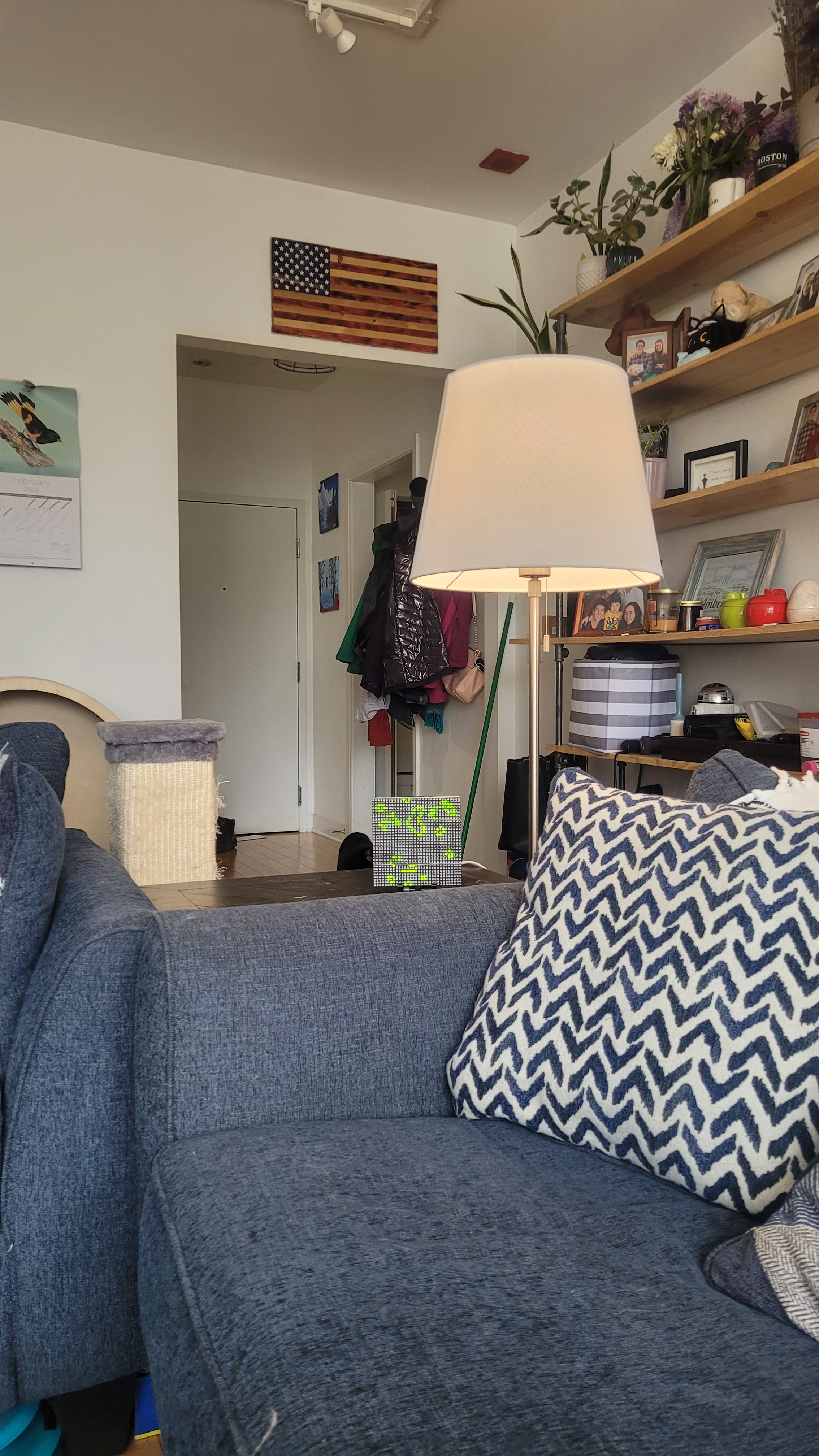
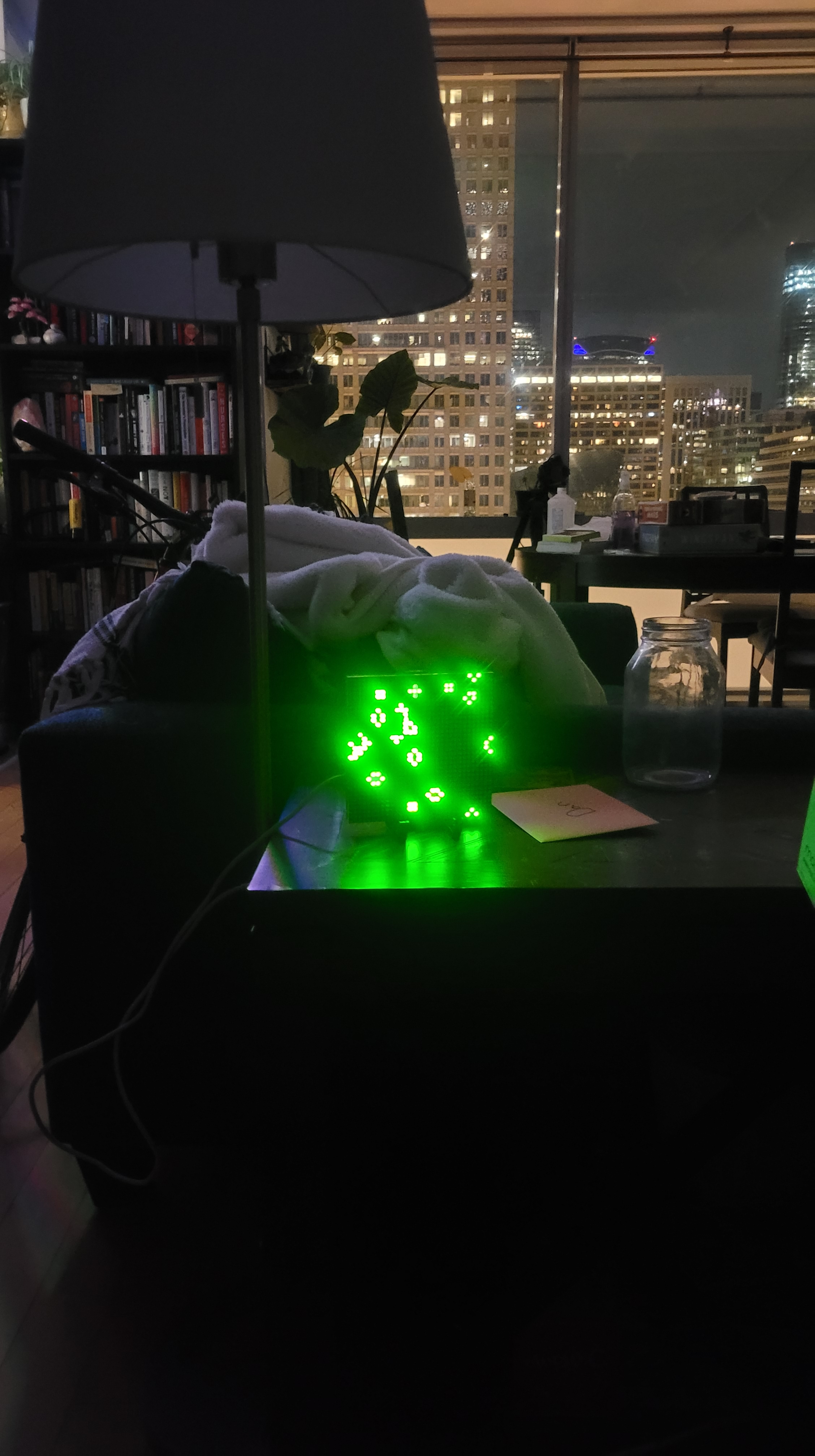
For my wedding I decided to build gifts for my groomsmen. For one of my good friends I built a dot matrix display that would show Conway’s game of life – a zero person game that is fascinating. After finishing this project I definitely just starred at the display for far too long. But all the configurations result in a different endgame and its interesting to watch as you see life evolve over time wrapped up in a tiny little universe.
CGL – Hardware
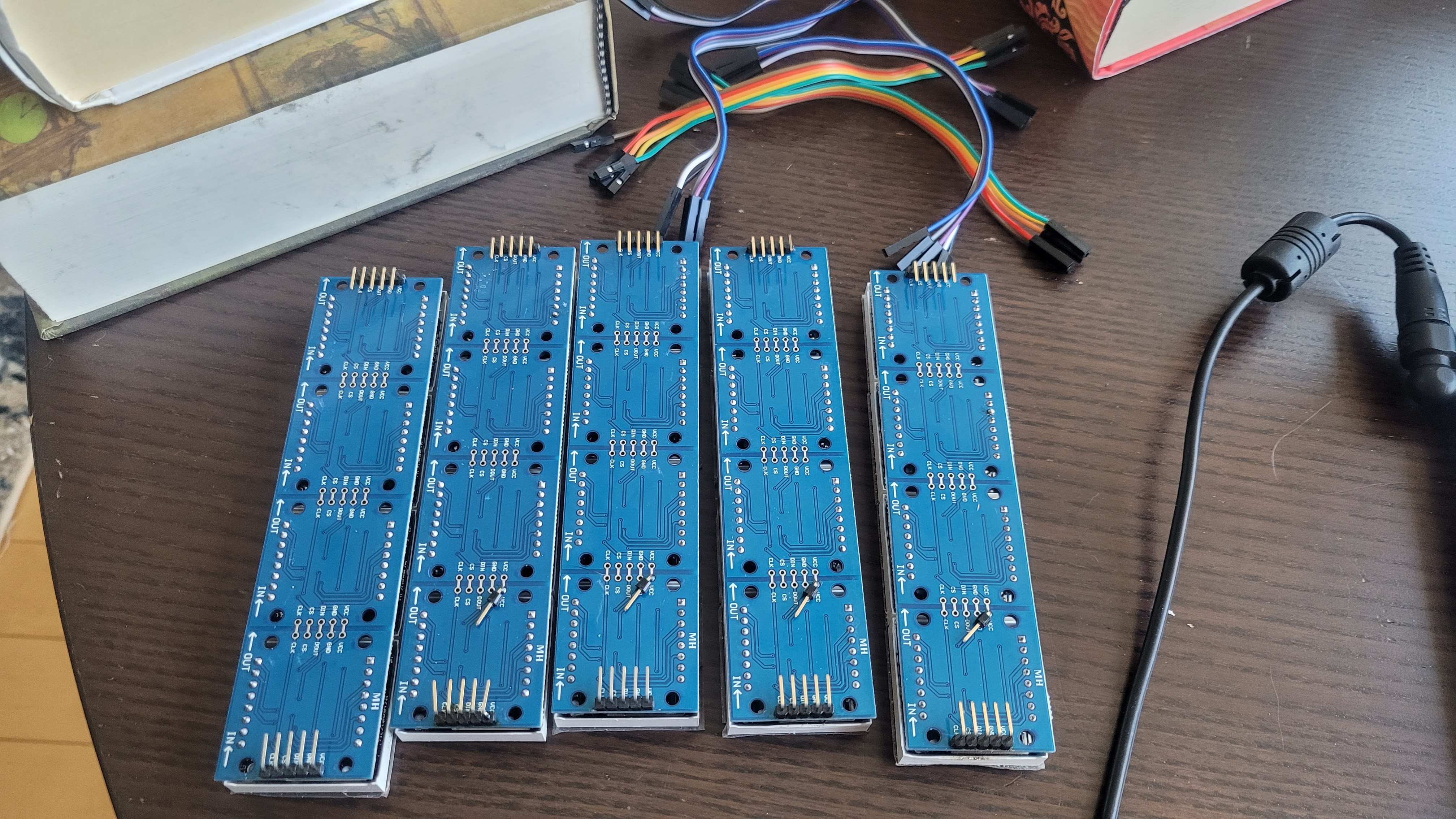
I utilized the same LED matrixes as in the previous project. To avoid the memory allocation problem I moved away from the ESP8266 Node MCU. The previous project didn’t really utilize the wifi capability other than programming over the air. So this time I employed a Raspberry Pi Pico (RP2040). Great little device that’s approximately the same price point as the ESP8266. More memory, less wifi, good balance.
I also learned my lesson on the 180 degree flips. This time I had longer cable lengths that strung 4 directly together. This did have the consequence of limiting my SPI clock frequency, but it didn’t matter to much. The SPI frequency for the esp8266 was at 80MHz, for this project I dropped down to 20MHz. The difference results in a slower display refresh rate, but we’re not going for speed so it was fine.
CGL – Software
Again I employed micropython to deploy this project and had a great time with it. Compared to the previous endeavor this project was much easier and faster to implement. Rather than my old flow of utilizing a convoluted update system this time I employed Thonny. A very compact and well thought out software, development was a joy with this tool.



 Osi Van Dessel